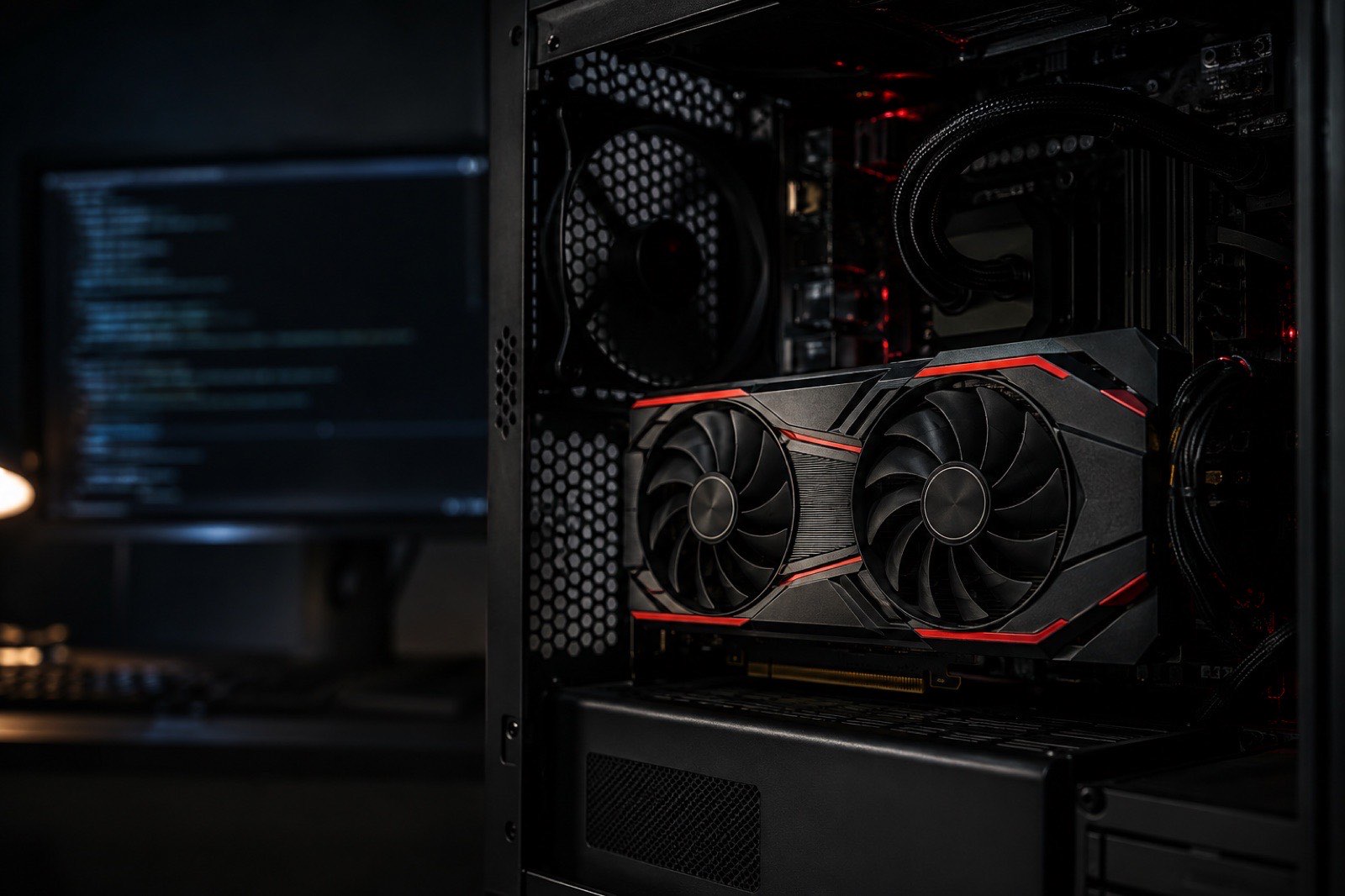
If you ask whether AMD cards can run local LLMs, the 2026 answer is yes, and with far less friction than two years ago: since ROCm 7.2, RDNA 3 and RDNA 4 run llama.cpp, Ollama and LM Studio directly on Windows and Linux. "Works" and "worth buying" are different questions. As of September 5, 2026 AMD's one advantage is price: about 30% less per GB of VRAM than NVIDIA at the same capacity. The cost is 20% to 30% lower speed at equal bandwidth, and vLLM and fine-tuning are still a struggle. Our advice: if you only use llama.cpp-family tools and can live with an occasional trip to the docs, the RX 7900 XTX is the cheapest 24GB card; everyone else should buy NVIDIA.
Which cards and frameworks does ROCm support?
Among consumer cards, RDNA 3 (RX 7900 XTX / XT, W7800 / W7900) and RDNA 4 (RX 9070 XT, R9700) are on the official list; mid-range RDNA 3 like the RX 7800 XT needs a workaround. Status as of September 2026:
| Card | Official ROCm support | llama.cpp / Ollama / LM Studio | vLLM | Windows |
|---|---|---|---|---|
| RX 7900 XTX / XT | Yes (gfx1100) | Out of the box | Community, middling performance | ROCm or Vulkan |
| Radeon PRO W7800 / W7900 | Yes (gfx1100) | Out of the box | Same | ROCm or Vulkan |
| RX 9070 XT / AI PRO R9700 | Yes (gfx1201, since ROCm 7.2) | Out of the box | Community | ROCm or Vulkan |
| RX 7800 XT | No (gfx1101) | Needs HSA_OVERRIDE_GFX_VERSION=11.0.0 or Vulkan |
Not advised | Vulkan |
| Instinct MI210 / MI100 | Yes (CDNA) | Works | Yes, their home turf | No |
The Vulkan backend is every AMD owner's safety net: llama.cpp's Vulkan build reaches 80% to 90% of ROCm speed on RDNA 3, works on any AMD card, and needs no ROCm at all.
How big is AMD's price-per-GB advantage?
At equal capacity, AMD cards cost 20% to 40% less per GB of VRAM; the RX 7900 XTX is among the cheapest 24GB consumer cards per GB on this site. Current used prices and unit prices:
| Model | VRAM GB | Bandwidth GB/s | INT8 TOPS | Power W | eBay | Price per GB |
|---|---|---|---|---|---|---|
 Instinct MI100 Instinct MI100 | 32 | 1,229 | 92 | 300 | $1,0846 listings | $33.9 |
| Radeon RX 7900 XT | 20 | 800 | 103 | 315 | $69929 listings | $35 |
| Radeon RX 7800 XT | 16 | 624 | 75 | 263 | $56229 listings | $35.1 |
| Radeon RX 7900 XTX | 24 | 960 | 123 | 355 | $1,00025 listings | $41.7 |
| Radeon RX 9070 XT | 16 | 640 | 389 | 304 | $75019 listings | $46.9 |
| Radeon PRO W7900 | 48 | 864 | 123 | 295 | $3,4953 listings | $73 |
| Instinct MI210 | 64 | 1,638 | 181 | 300 | $5,04611 listings | $79 |
The NVIDIA control group at the same capacities:
| Model | VRAM GB | Bandwidth GB/s | INT8 TOPS | Power W | eBay | Price per GB |
|---|---|---|---|---|---|---|
 GeForce RTX 3090 GeForce RTX 3090 | 24 | 936 | 285 | 350 | $1,62583 listings | $68 |
| GeForce RTX 5070 Ti | 16 | 896 | 352 | 300 | $1,15017 listings | $72 |
| GeForce RTX 4080 | 16 | 717 | 390 | 320 | $1,19937 listings | $75 |
| RTX PRO 4500 Blackwell | 32 | 896 | 404 | 200 | $4,3003 listings | $134 |
The RX 7900 XTX and RTX 3090 are both 24GB; the AMD card is cheaper by a wide margin, launched in late 2022, and used units are generally in better shape than 2020 3090s. That is AMD's entire price argument.
How much slower is it?
At similar bandwidth the ROCm backend runs at about 70% of CUDA speed, and AMD's bandwidth is usually a tier lower to begin with. Estimated decode speed (4-bit, 8K context):
| Model | Qwen3 8B | gpt-oss 20B | Qwen3.8 27B | DeepSeek R1 Distill Qwen 32B |
|---|---|---|---|---|
| Radeon RX 7900 XTX | 86 | 115 | 28 | 24 |
| Radeon RX 7900 XT | 72 | 104 | 23 | Too big |
| Radeon RX 9070 XT | 58 | 91 | Too big | Too big |
| Radeon RX 7800 XT | 57 | 90 | Too big | Too big |
| Radeon AI PRO R9700 | 58 | 91 | 19 | 16 |
| GeForce RTX 3090 | 114 | 135 | 38 | 32 |
| GeForce RTX 5070 Ti | 109 | 132 | Too big | Too big |
Estimated decode speed at 4-bit with an 8K context, single stream. Values marked * are MoE models running with expert weights in system RAM (70 GB/s assumed).
The RX 7900 XTX's 960 GB/s is higher than the RTX 3090's, yet Qwen3 8B comes out near 86 versus 114 tokens/s; the gap is backend efficiency. Public measurements (llama.cpp, Llama 3.1 8B Q4_K_M) put the 7900 XTX near 96 tokens/s, in line with the estimate. The RX 9070 XT's 640 GB/s makes it clearly slower than the RTX 5070 Ti in the 16GB tier.
Where are the traps?
Four traps in the order you meet them: driver versions, cards outside the list, quantization formats, multi-GPU.
- Driver and ROCm versions: on Linux the kernel, the amdgpu driver and ROCm must line up, and distribution upgrades often mean reinstalling; on Windows the single installer since ROCm 7.2 has far fewer problems.
- Cards outside the list: the RX 7800 XT and 7700 XT must pretend to be a 7900 via
HSA_OVERRIDE_GFX_VERSION; it mostly works and occasionally crashes. Vulkan is steadier. - Quantization formats: every GGUF works; AWQ, GPTQ and FP8 from the vLLM ecosystem either lack kernels on RDNA or run slowly. Stick to GGUF and the problem disappears.
- Multi-GPU: llama.cpp's layer split works on ROCm; tensor parallelism and NCCL-class communication (RCCL) are troublesome on consumer cards. Two 7900 XTXs run a 70B, but do not expect vLLM.
- Flash attention: llama.cpp's
-faworks on ROCm, but RDNA 3 has no dedicated matrix units, so long-context prefill is noticeably slower than on NVIDIA.
Which AMD cards are worth buying?
The RX 7900 XTX is the only unconditional AMD consumer recommendation; the R9700 suits workstation users who need 32GB; the rest depend on the situation.
- RX 7900 XTX (24GB, 960 GB/s): the cheapest 24GB card per GB, about 24 tokens/s on 32B at 4-bit, and it runs the same models as a 3090. Buy it.
- RX 7900 XT (20GB, 800 GB/s): 4GB short of the 32B-at-4-bit threshold; step up to the XTX instead.
- RX 9070 XT (16GB, 640 GB/s): RDNA 4 brings FP8 and doubled matrix throughput, but 640 GB/s makes it the slowest 16GB card; pick it only on Windows with LM Studio and a very tight budget.
- Radeon AI PRO R9700 (32GB, 640 GB/s): 32GB at a consumer-class price, two-slot blower, good for two cards in a workstation running 70B; low bandwidth, ordinary single-card speed.
- Radeon PRO W7900 (48GB, 864 GB/s): one card runs 70B at 4-bit near 10 tokens/s, priced like a modded 48GB 4090 but with a warranty and two slots.
- Instinct MI210 (64GB HBM2e, 1.6 TB/s): reasonable used price and about 19 tokens/s on 70B, but passive cooling, 300W and Linux only. An enthusiast's card.
Verdict: who should buy AMD
If llama.cpp, Ollama or LM Studio is all you run, on Linux or Windows, buy an RX 7900 XTX and save 30% to 40%; for vLLM, fine-tuning, image generation or zero hassle, buy NVIDIA.
- For the 24GB decision see used RTX 3090 vs new RTX 5070 Ti and treat the 7900 XTX as the third option.
- For the cheapest card at every VRAM tier see best budget GPU for local LLMs.
- For the unified-memory route, including Strix Halo, see Mac unified memory vs discrete GPU.