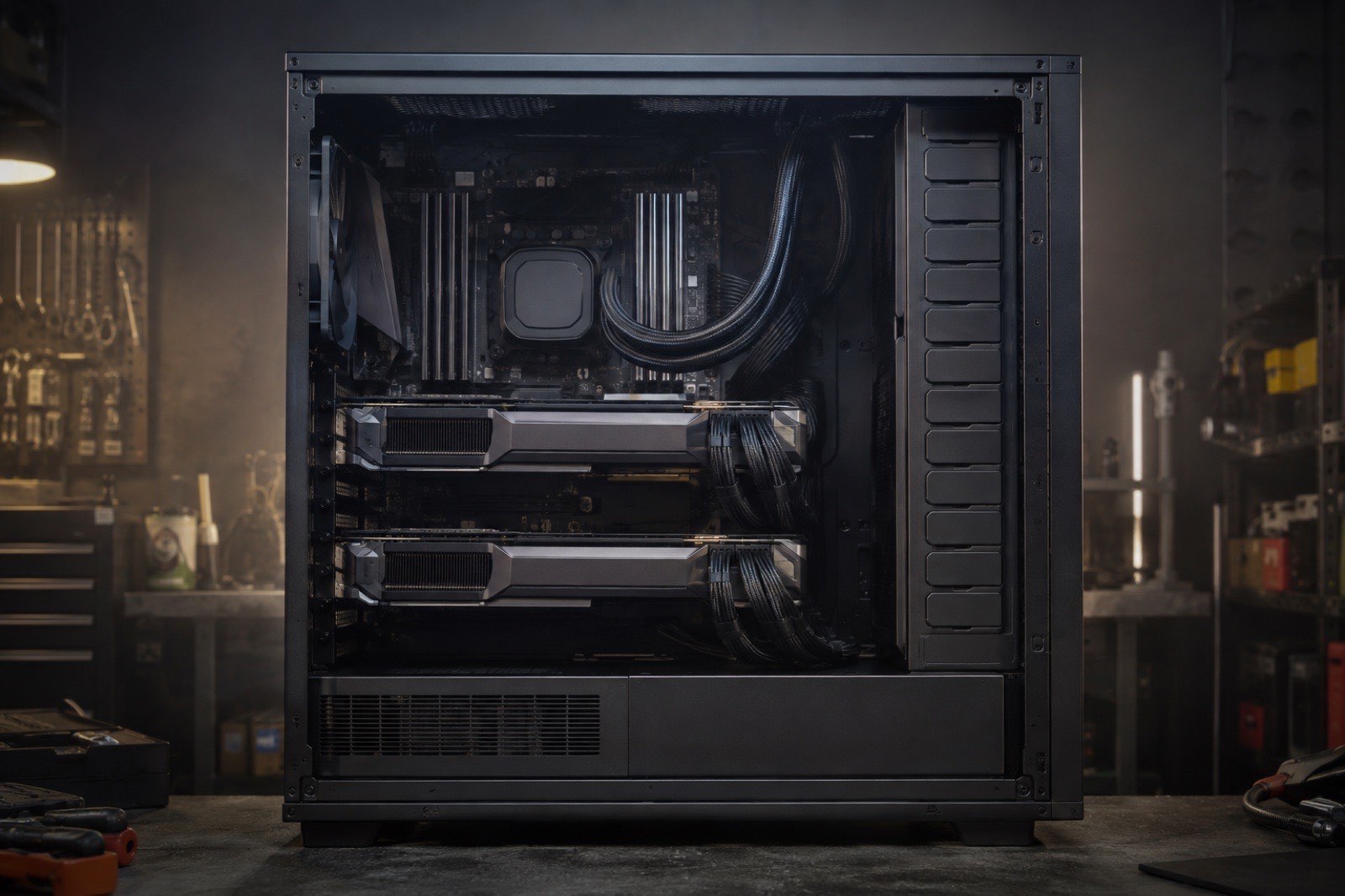
70B is the threshold people ask about most, and the answer is: two RTX 3090s run Llama 3.3 70B at 4-bit. An 8K context needs about 43 GB, 48GB just holds it, and the estimated speed is 16 tokens/s. Two limits come with that: a 32K context needs 50 GB and no longer fits, and extra cards add capacity but not bandwidth, so two cards are as fast as one. As of September 5, 2026 two 3090s cost about $3,400 and are the cheapest ticket to 70B; NVLink is optional; assembling capacity from four small cards is a bad deal. Build and software details follow.
Does VRAM add up across cards?
Capacity adds, bandwidth does not: llama.cpp's layer split lets two 24GB cards hold a 43 GB model at single-card speed; only vLLM's tensor parallelism makes both cards compute together. The two ways to split:
- Layer split (pipeline): llama.cpp's default. The first 40 layers live on card 1, the last 40 on card 2, and each token flows through in order. Only one card reads weights at a time, so speed ≈ single-card bandwidth ÷ weight size, about 16 tokens/s for 70B at 4-bit on two 3090s. It tolerates slow PCIe links and mismatched cards.
- Tensor parallelism: vLLM, SGLang and exllama. Each layer's matrices are cut in half and computed on both cards at once, so bandwidth adds and measured speed reaches 1.6 to 1.8 times a single card. It needs a power-of-two card count, ideally identical cards, at least PCIe x8, and benefits from NVLink.
For personal chat llama.cpp is enough; for serving several users, vLLM's tensor parallelism plus continuous batching is where multiple cards earn their keep.
How much VRAM does a 70B model need at 4-bit?
Llama 3.3 70B at 4-bit: about 43 GB at 8K, 50 GB at 32K, 73 GB at 128K; a 48GB pair covers 8K to 16K. Computed live:
| Model | 2-bit | 4-bit | 8-bit | Cheapest card that runs it | |||
|---|---|---|---|---|---|---|---|
| 8K | 32K | 8K | 32K | 8K | 32K | ||
| Llama 3.3 70B70.6B | 30 GB | 38 GB | 43 GB | 51 GB | 77 GB | 85 GB |  Radeon PRO W7900$3,495 Radeon PRO W7900$3,495 |
| DeepSeek R1 Distill Qwen 32B32.8B | 16 GB | 22 GB | 22 GB | 28 GB | 37 GB | 43 GB |  Tesla V100 32GB$714 Tesla V100 32GB$714 |
| gpt-oss 120B117B · A5.1B | 45 GBOffload: 4 GB VRAM + 43 GB RAM | 47 GBOffload: 5 GB VRAM + 43 GB RAM | 67 GBOffload: 4 GB VRAM + 65 GB RAM | 69 GBOffload: 6 GB VRAM + 65 GB RAM | 123 GBOffload: 5 GB VRAM + 120 GB RAM | 125 GBOffload: 6 GB VRAM + 120 GB RAM | Tesla V100 16GB$288 · Offload |
| GLM 4.5 Air106B · A12B | 42 GBOffload: 6 GB VRAM + 38 GB RAM | 47 GBOffload: 10 GB VRAM + 38 GB RAM | 62 GBOffload: 7 GB VRAM + 56 GB RAM | 66 GBOffload: 11 GB VRAM + 56 GB RAM | 113 GBOffload: 10 GB VRAM + 104 GB RAM | 117 GBOffload: 14 GB VRAM + 104 GB RAM | Tesla V100 16GB$288 · Offload |
Note the two MoE rows: gpt-oss 120B and GLM 4.5 Air need 62 to 74 GB to sit fully in VRAM, too much for a 3090 pair, yet they run on one card with expert offload. For those, a second card is worth less than another 64GB of RAM, see the offload notes in what runs on 16GB.
Cost and speed: two 3090s, two 4090s, three 4080s
Two 3090s are the cheapest 70B-at-4-bit setup; two 4090s cost twice as much for 8% more speed; three 4080s and any four-card 16GB setup lose to the 3090 pair. Setups compared on Llama 3.3 70B at 4-bit, 8K:
| Setup | Total VRAM GB | Fits | Total used price | Speed t/s t/s | Total power W |
|---|---|---|---|---|---|
| 2 × GeForce RTX 3090 | 48 | ✓ | $3,250 | 16 | 700 |
| 2 × GeForce RTX 4090 | 48 | ✓ | $6,400 | 17 | 900 |
| 3 × GeForce RTX 4080 | 48 | ✓ | $3,597 | 12 | 960 |
| 2 × Radeon RX 7900 XTX | 48 | ✓ | $2,000 | 12 | 710 |
| 2 × GeForce RTX 5090 | 64 | ✓ | $12,984 | 30 | 1,150 |
| 2 × Radeon AI PRO R9700 | 64 | ✓ | — | 8 | 600 |
| 1 × GeForce RTX 4090 48GB | 48 | ✓ | — | 17 | 450 |
| 1 × RTX PRO 6000 Blackwell | 96 | ✓ | $16,985 | 30 | 600 |
Llama 3.3 70B at 4-bit with a 8K context needs about 43 GB. Speed is the single-card estimate: llama.cpp's layer split walks the layers in sequence, so extra cards add capacity, not bandwidth.
Reading the table:
- Two 3090s: the cheapest 48GB, 16 tokens/s. Mining risk is covered in the used 3090 guide.
- Two 4090s: twice the price, 8% faster. Only if you already own one.
- Two 5090s: 64GB opens a 32K context at 30 tokens/s, the "fast" option at roughly $13,000.
- Two 7900 XTXs: cheap and functional; on ROCm, stick to llama.cpp's layer split.
- RTX 4090 48GB modded card: one card, no dual-GPU hassle, no warranty.
- RTX PRO 6000: 96GB on one card, 30 tokens/s, 128K context, the commercial answer.
Motherboard, PSU and case
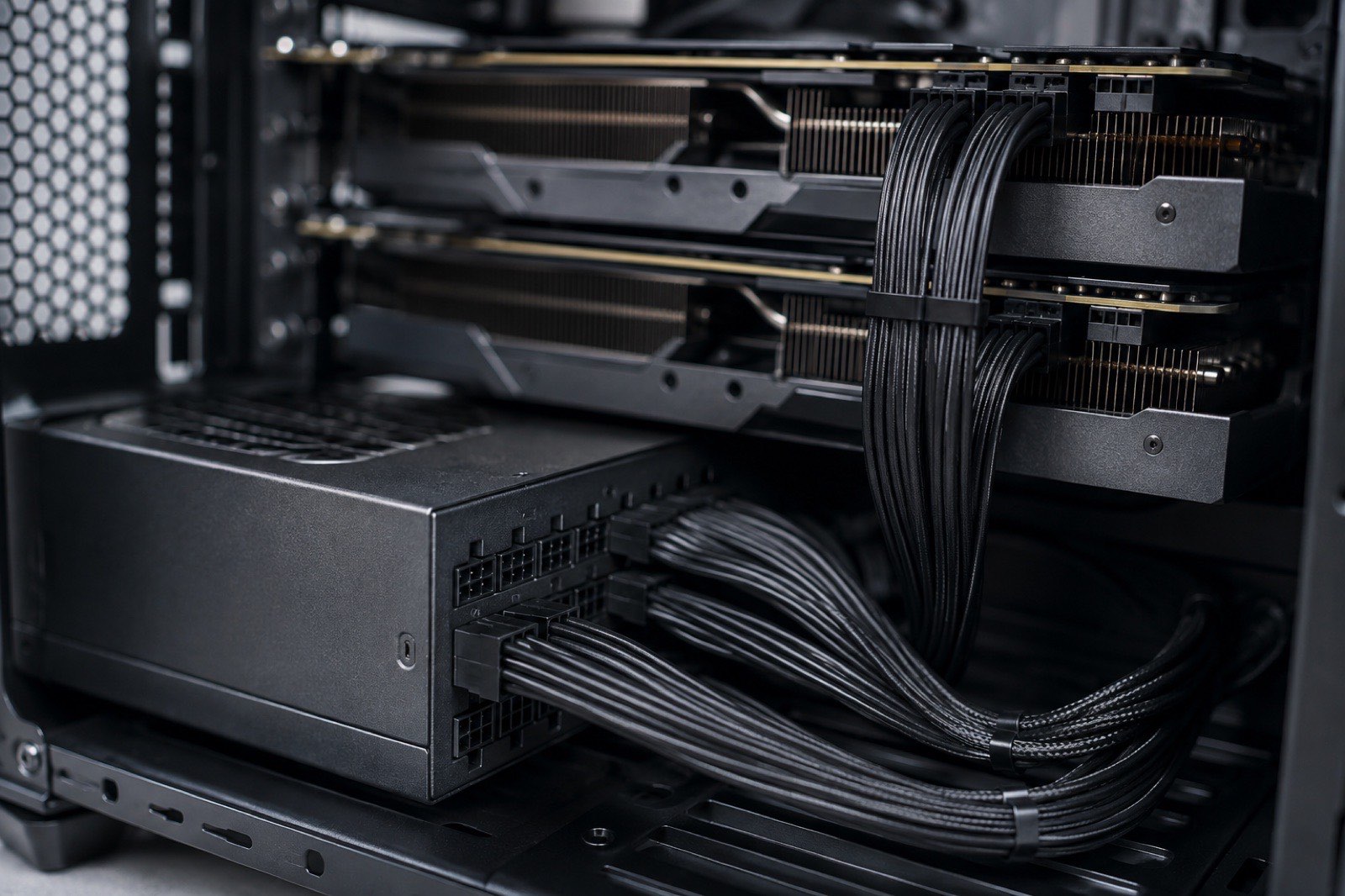
Hard requirements for a two-card build: two physical PCIe x16 slots at least three slots apart, a 1000W-plus PSU, and a case that takes two three-slot cards.
- Motherboard: consumer Z790 / X870 boards usually wire the second slot at x4, fine for layer split. For tensor parallelism pick a board that splits x8 / x8 (some X670E / X870E models, or W790 / TRX50 workstation boards). Check slot spacing: stacked three-slot cards cook the upper one.
- PSU: two 3090s peak at 350W each plus the CPU; choose 1000W to 1200W, ATX 3.0, with two separate 8-pin cables per card and no daisy-chained pigtails.
- Case: a full tower or a mid tower with vertical mounting, leaving at least one slot of air between cards; two 350W cards in a small case heat each other into throttling.
- Power limit:
nvidia-smi -pl 280caps a 3090 at 280W for under 5% inference loss and a clear drop in heat and power bills. - Heat and noise: 700W at full load is a space heater; plan the room's cooling in summer.
Software: multi-GPU settings for llama.cpp and vLLM
llama.cpp splits layers automatically by default; vLLM takes --tensor-parallel-size 2.
llama.cpp (splits by VRAM ratio by default; -ts sets it manually):
llama-server -hf bartowski/Llama-3.3-70B-Instruct-GGUF:Q4_K_M -c 8192 -ngl 99 -ts 1,1 -fa onOllama detects multiple cards and splits layers with no extra flags:
ollama run llama3.3:70bvLLM tensor parallelism (needs AWQ / GPTQ / FP8 weights and two identical cards):
vllm serve casperhansen/llama-3.3-70b-instruct-awq --tensor-parallel-size 2 --max-model-len 8192 --gpu-memory-utilization 0.92Debug order: nvidia-smi first, to confirm both cards are visible; on out-of-memory, lower -c / --max-model-len; NCCL errors in vLLM are usually PCIe ACS or IOMMU, which you disable in the BIOS.
Verdict: how to build for 70B
Two 3090s are the floor for 70B, NVLink is optional, four small cards are a bad deal; for speed take two 5090s, for simplicity a 128GB Mac or a modded 48GB 4090.
- $3,400 to $4,000 budget and 16 tokens/s is acceptable: two RTX 3090s.
- 30 tokens/s and a 32K context: two RTX 5090s or one RTX PRO 6000.
- No appetite for a dual-card build: a Mac Studio 128GB at half the speed and no noise, see Mac unified memory vs discrete GPU.
- Mostly MoE models (gpt-oss 120B, GLM Air): one 24GB card plus 128GB of RAM, not more cards.