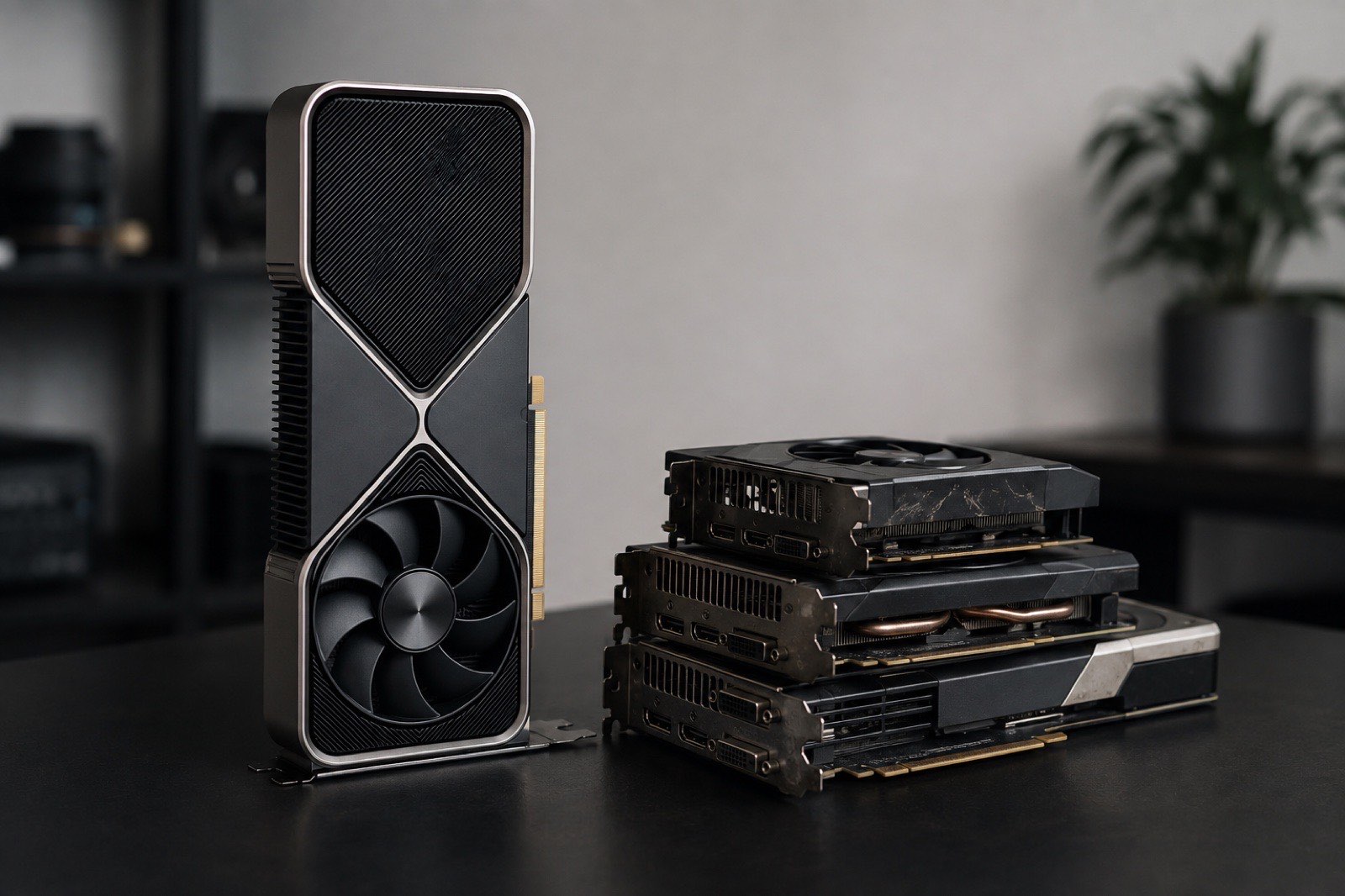
Running DeepSeek at home starts with separating two things. The R1 distills are dense 8B to 70B models that fit on one consumer card. The full models (V3.2, V4 Flash, V4 Pro) are mixture-of-experts networks from 284B to 1.6T parameters, with weights measured in hundreds of gigabytes; at home they run only through RAM offload or on a 512GB Mac Studio. As of September 5, 2026 our advice is: around $1,000 buy a used RX 7900 XTX for the 14B to 32B distills; around $1,700 buy a used RTX 3090, because 24GB is the entry ticket for the 32B; above $3,000 an RTX 4090 or RTX 5090 buys speed, not a bigger model. Do not buy a card for the full V4.
Which DeepSeek versions can actually run locally?
Only the R1 distills fit on one consumer card; every full model is a 284B-plus MoE. The lineup:
| Version | Architecture | Total / active params | Local feasibility |
|---|---|---|---|
| R1 Qwen3 8B | Dense (Qwen3 distill) | 8.2B | Any 8GB card |
| R1 Distill Qwen 14B | Dense (Qwen2.5 distill) | 14.8B | 12GB minimum, 16GB comfortable |
| R1 Distill Qwen 32B | Dense (Qwen2.5 distill) | 32.8B | 24GB floor |
| V3.2 | MoE | 671B / 37B | About 375 GB at 4-bit, no official GGUF |
| V4 Flash | MoE | 284B / 13B | 155 GB of 4-bit weights, RAM offload only |
| V4 Pro | MoE | 1.6T / 49B | 850 GB of 4-bit weights, not feasible at home |
The "DeepSeek" in a distill is the training data; the base is Qwen or Llama. That is not a knock: the 14B distill is clearly stronger on reasoning tasks than the stock Qwen of the same size. Just do not confuse it with the V4 you get from the API.
How much VRAM does each version need at 4-bit and 8-bit?
VRAM needed = weights + KV cache + about 1 GB of runtime overhead; at an 8K context the 14B needs about 11 GB at 4-bit and the 32B about 21 GB. The table below is computed live from the model catalog. For the MoE versions it also shows the VRAM + RAM split when the experts are offloaded:
| Model | 4-bit | 8-bit | Cheapest card that runs it | ||
|---|---|---|---|---|---|
| 8K | 32K | 8K | 32K | ||
| DeepSeek R1 Qwen3 8B8.2B | 7 GB | 11 GB | 11 GB | 14 GB |  Tesla V100 16GB$288 Tesla V100 16GB$288 |
| DeepSeek R1 Distill Qwen 14B14.8B | 11 GB | 16 GB | 18 GB | 23 GB | Tesla V100 16GB$288 |
| DeepSeek R1 Distill Qwen 32B32.8B | 22 GB | 28 GB | 37 GB | 43 GB | Tesla V100 32GB$714 |
| DeepSeek V4 Flash284B · A13B | 160 GBOffload: 7 GB VRAM + 155 GB RAM | 162 GBOffload: 9 GB VRAM + 155 GB RAM | 297 GBOffload: 10 GB VRAM + 288 GB RAM | 299 GBOffload: 12 GB VRAM + 288 GB RAM | Tesla V100 16GB$288 · Offload |
| DeepSeek V4 Pro1,600B · A49B | 894 GBOffload: 17 GB VRAM + 879 GB RAM | 897 GBOffload: 20 GB VRAM + 879 GB RAM | 1,661 GBOffload: 29 GB VRAM + 1,634 GB RAM | 1,664 GBOffload: 32 GB VRAM + 1,634 GB RAM |  Radeon RX 7900 XT$699 · Offload Radeon RX 7900 XT$699 · Offload |
What matters:
- Stretching the 14B from an 8K to a 32K context takes it from about 11 GB to 15 GB. A 16GB card just makes it; a 12GB card is stuck at 8K.
- The 32B at 4-bit needs about 21 GB at 8K, so a 24GB card fits it with little headroom. A 32K context needs 27 GB, which means a 32GB card.
- 8-bit is a poor trade for the distills: the 14B at 8-bit needs 18 GB, and that VRAM runs the 32B at 4-bit instead, which is a tier better.
Which card for $1,000, $1,700 and $3,000+?
The three budgets map to the RX 7900 XTX, the RTX 3090, and the RTX 4090 or 5090, with the dividing line at 24GB. Current used prices and the estimated speed on R1 14B:
| Model | VRAM GB | Bandwidth GB/s | INT8 TOPS | Power W | eBay | Price per GB | DeepSeek R1 Distill Qwen 14B speed t/s |
|---|---|---|---|---|---|---|---|
| Radeon RX 7900 XTX | 24 | 960 | 123 | 355 | $1,00025 listings | $41.7 | 50 |
| GeForce RTX 5070 Ti | 16 | 896 | 352 | 300 | $1,15017 listings | $72 | 65 |
| GeForce RTX 4080 | 16 | 717 | 390 | 320 | $1,19937 listings | $75 | 52 |
| GeForce RTX 3090 | 24 | 936 | 285 | 350 | $1,62583 listings | $68 | 68 |
| GeForce RTX 4090 | 24 | 1,008 | 661 | 450 | $3,20042 listings | $133 | 73 |
| GeForce RTX 5090 | 32 | 1,792 | 838 | 575 | $6,49212 listings | $203 | 123 |
Around $1,000: RX 7900 XTX
This is the price where a 24GB card is reliably available on eBay. The 7900 XTX runs the 32B distill at 4-bit at an estimated 24 tokens/s, which is usable. It needs ROCm and works best on Linux; on Windows use the Vulkan build of llama.cpp. If you want vLLM or a Windows-first setup, stretch to the 3090.
Around $1,700: RTX 3090, not a new 16GB card
$1,700 is roughly the RTX 3090's used median. The RTX 5070 Ti and RTX 5080 nearby are 16GB cards: they cannot run the 32B distill, and on the 14B their speed edge is small (14B at 4-bit is about 68 tokens/s on the 3090 versus 65 on the 5070 Ti). For DeepSeek, memory capacity beats architecture generation.
$3,000 and up: RTX 4090 or RTX 5090, paying for speed
The 4090 sits around $3,200 used and the 5090 around $6,400. Both run the 32B distill on one card; the 5090's extra 8GB lets the 32B stretch to a 32K context, and its speed of about 61 tokens/s is nearly double the 3090. If your budget is here but you only run the distills, we would rather you buy two 3090s (about $3,400 total): 48GB runs the 70B distill and Llama 3.3 70B, see multi-GPU basics.
Can you run the full DeepSeek at home?
You can, but it is a bad deal: V4 Flash needs 160GB+ of RAM for expert offload and lands at 10 to 12 tokens/s; the only machine that holds it in memory is the Mac Studio M3 Ultra 512GB. Estimated speeds by machine:
| Model | DeepSeek V4 Flash | DeepSeek R1 Distill Qwen 32B |
|---|---|---|
| GeForce RTX 4090 | 12* | 35 |
| GeForce RTX 5090 | 12* | 61 |
| RTX PRO 6000 Blackwell | 12* | 61 |
| Mac Studio M4 Max 128GB | 11* | 15 |
| Mac Studio M3 Ultra 512GB | 47 | 23 |
| DGX Spark 128GB | 10* | 10 |
Estimated decode speed at 4-bit with an 8K context, single stream. Values marked * are MoE models running with expert weights in system RAM (70 GB/s assumed).
Starred cells are expert offload: the GPU holds only the attention layers, shared experts and KV cache (about 7 GB), and the experts activated for each token stream in from system RAM. RAM bandwidth caps the speed near 12 tokens/s, and an RTX PRO 6000 does not change that. The Mac Studio M3 Ultra 512GB fits all of V4 Flash at 4-bit in unified memory at an estimated 47 tokens/s, but the machine costs about as much as a small car. V4 Pro's 850 GB of 4-bit weights have no home solution.
Bottom line: if you want the full V4, the API is cheaper, see what running LLMs locally really costs. Buy a card for the distills and the other open-weight models.
How do you launch it in Ollama and llama.cpp?
Ollama is one command; llama.cpp needs a GGUF reference; the full models add --n-cpu-moe to park the experts in RAM.
Ollama (distills):
ollama run deepseek-r1:14b
ollama run deepseek-r1:32b
llama.cpp (14B, Q4_K_M from bartowski):
llama-server -hf bartowski/DeepSeek-R1-Distill-Qwen-14B-GGUF:Q4_K_M -c 16384 -ngl 99llama.cpp (V4 Flash with expert offload, 160GB+ of RAM):
llama-server -hf unsloth/DeepSeek-V4-Flash-0731-GGUF:Q4_K_M -c 8192 -ngl 99 --n-cpu-moe 43--n-cpu-moe 43 puts the experts of all 43 layers in CPU RAM. With more VRAM, lower the number to keep more layers on the GPU.
Common mistakes
The two most common errors are treating a distill as the full model and shopping by VRAM alone without looking at bandwidth.
- Ollama's
deepseek-r1:70bis a Llama 3.3 70B distill. The gap between it and the full model is far larger than the gap between it and the 32B distill. - Fitting in VRAM only decides whether it runs; bandwidth decides how fast. A Mac Studio M4 Max 128GB holds the 32B at 4-bit, but its 546 GB/s gives about 15 tokens/s, half of a 3090.
- Used 3090s carry mining and memory-fault risk. Ask the seller to run
memtest_vulkanor the OCCT VRAM test for 30 minutes before paying, see used RTX 3090 vs new RTX 5070 Ti. - Do not pay for 8-bit. The distills score within about 1% between 4-bit and 8-bit; spend the saved VRAM on a bigger model or a longer context.