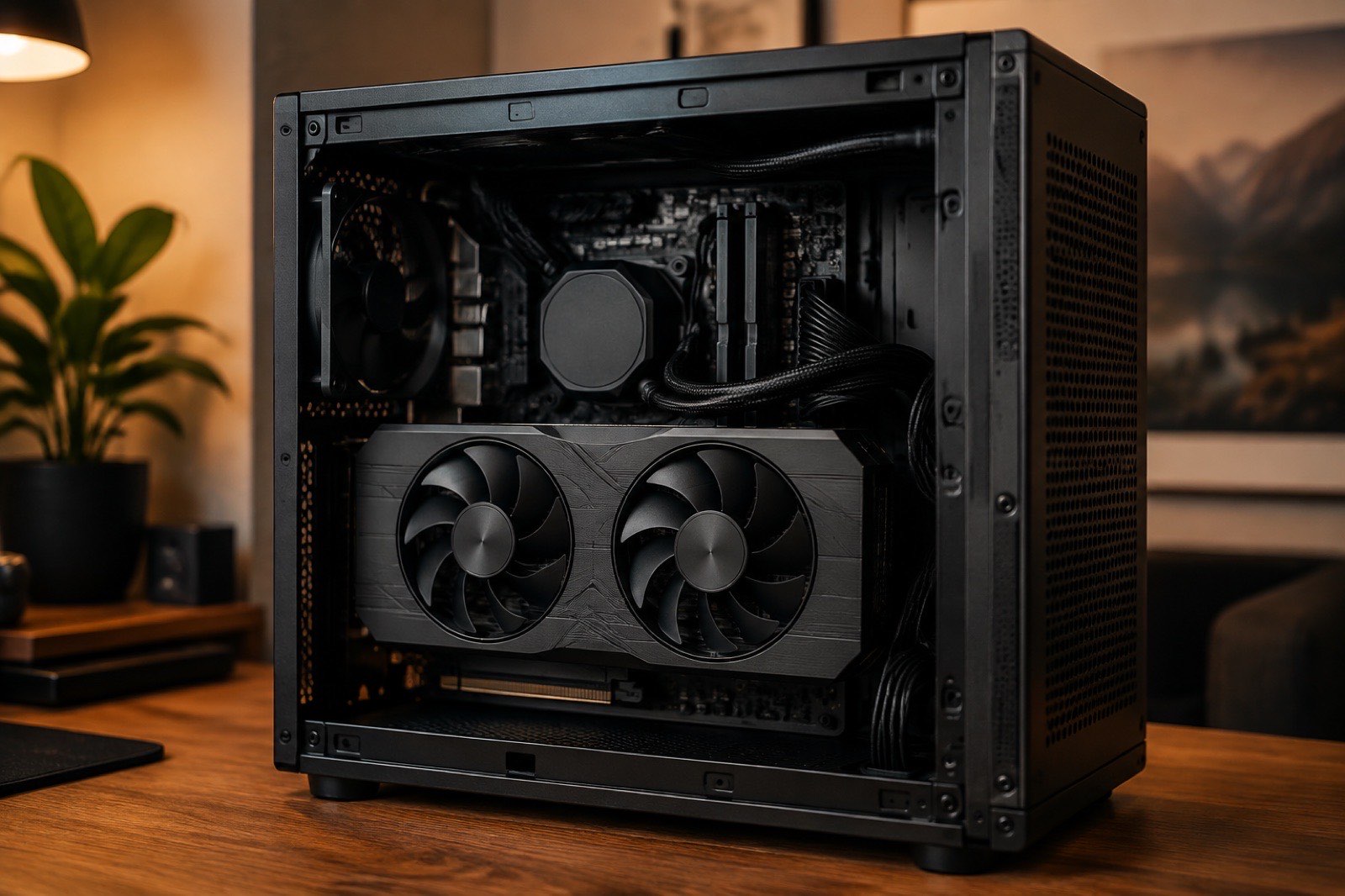
16GB is the most common mid-range VRAM size of 2026: the RTX 5070 Ti, RTX 5080, RTX 4080 and RX 9070 XT all have it. Its ceiling is well defined: a 14B dense model at 4-bit with a 32K context, or a 24B dense model at 4-bit with 8K. Beyond that you either switch to a MoE with expert offload or add a card. As of September 5, 2026 we recommend three models: gpt-oss 20B for code, Gemma 4 12B for general chat and languages, and DeepSeek R1 Distill Qwen 14B when you need a reasoning chain. The 16GB card to buy is the RTX 5070 Ti; on a tight budget, a used RTX 4080.
Where is the 16GB ceiling?
A model fits when weights + KV cache + 1 GB of runtime overhead is at or under 16 GB, so weights plus cache must stay within 15 GB. The three terms:
- Weights ≈ parameters × bytes per parameter × 1.05. At 4-bit (Q4_K_M) that is 0.57 bytes per parameter, about 8 GB for a 14B model; at 8-bit it is 1.06 bytes, about 15 GB for a 14B, leaving nothing.
- KV cache = 2 × layers × KV heads × head dimension × context × 2 bytes. A 14B dense model (48 layers, 8 KV heads, 128 dims) uses about 1.5 GB per 8K of context.
- Runtime overhead of about 1 GB covers the inference framework's CUDA buffers and the display.
So a 14B at 4-bit is about 11 GB at 8K and 15 GB at 32K; a 24B at 4-bit is already 15.6 GB at 8K and cannot go longer. All coefficients are published on the methodology page.
Which models fit in 16GB?
Of the catalog versions released since 2025, a single 16GB card at 4-bit holds dense models up to 14B, plus 30B-class MoE models through expert offload. The table is computed live; a tick means the whole model sits in VRAM, "offload" means a MoE with its experts in RAM:
| Model | 4-bit | 8-bit | ||
|---|---|---|---|---|
| 8K | 32K | 8K | 32K | |
| Gemma 4 E4B8B | ✓7 GB | ✓9 GB | ✓10 GB | ✓12 GB |
| DeepSeek R1 Qwen3 8B8.2B | ✓7 GB | ✓11 GB | ✓11 GB | ✓14 GB |
| Qwen3 8B8.2B | ✓7 GB | ✓11 GB | ✓11 GB | ✓14 GB |
| Ministral 3 8B8.9B | ✓8 GB | ✓11 GB | ✓12 GB | ✓15 GB |
| Qwen3.5 9B9.7B | ✓8 GB | ✓11 GB | ✓12 GB | ✓15 GB |
| Gemma 4 12B12B | ✓11 GB | ✗20 GB | ✗17 GB | ✗26 GB |
| Ministral 3 14B14B | ✓11 GB | ✓14 GB | ✗17 GB | ✗21 GB |
| DeepSeek R1 Distill Qwen 14B14.8B | ✓11 GB | ✓16 GB | ✗18 GB | ✗23 GB |
| gpt-oss 20B20.9B · A3.6B | ✓14 GB | ✓15 GB | OffloadOffload: 4 GB VRAM + 21 GB RAM | OffloadOffload: 5 GB VRAM + 21 GB RAM |
| gpt-oss Safeguard 20B20.9B · A3.6B | ✓14 GB | ✓15 GB | OffloadOffload: 4 GB VRAM + 21 GB RAM | OffloadOffload: 5 GB VRAM + 21 GB RAM |
| Mistral Small 3.2 24B24B | ✓16 GB | ✗20 GB | ✗28 GB | ✗31 GB |
| Gemma 4 26B A4B25.8B · A4B | OffloadOffload: 6 GB VRAM + 13 GB RAM | OffloadOffload: 11 GB VRAM + 13 GB RAM | OffloadOffload: 7 GB VRAM + 25 GB RAM | OffloadOffload: 13 GB VRAM + 25 GB RAM |
| GLM 4.7 Flash30B · A3B | OffloadOffload: 4 GB VRAM + 17 GB RAM | OffloadOffload: 5 GB VRAM + 17 GB RAM | OffloadOffload: 4 GB VRAM + 30 GB RAM | OffloadOffload: 5 GB VRAM + 30 GB RAM |
| Qwen3.6 35B A3B36B · A3B | OffloadOffload: 4 GB VRAM + 19 GB RAM | OffloadOffload: 6 GB VRAM + 19 GB RAM | OffloadOffload: 5 GB VRAM + 36 GB RAM | OffloadOffload: 7 GB VRAM + 36 GB RAM |
| Kimi Linear 48B A3B49.1B · A3B | OffloadOffload: 3 GB VRAM + 27 GB RAM | OffloadOffload: 4 GB VRAM + 27 GB RAM | OffloadOffload: 4 GB VRAM + 50 GB RAM | OffloadOffload: 4 GB VRAM + 50 GB RAM |
A tick means weights + KV cache + runtime overhead fit in 16 GB on one card. "Offload" means a MoE model runs with its expert weights in system RAM. Dashes are context lengths the model does not support.
How to read it:
- Mistral Small 3.2 24B ticks only the 4-bit / 8K cell, which means it is a limit configuration on 16GB: under 1 GB is left for the system, and a desktop session will push it over.
- gpt-oss 20B is a MoE with native MXFP4 weights of about 12 GB. It fits whole with room for a 32K context, the most comfortable "big" model in this tier.
- Qwen3.6 35B A3B and Gemma 4 26B A4B run through expert offload: VRAM holds only the attention layers and KV cache while the experts live in RAM, so the VRAM need drops to 4 to 6 GB, at the cost of running at RAM-bandwidth speed.
Which model for coding, writing and languages?
gpt-oss 20B for coding, Gemma 4 12B for writing and languages, DeepSeek R1 Distill Qwen 14B when you need a reasoning chain. Why:
- gpt-oss 20B: native 4-bit, Apache-2.0, the steadiest tool calling and code completion in the 20B class, and it still fits a 32K context on 16GB so a whole file goes in. Its weakness is stiff prose outside English.
- Gemma 4 12B: a 12B dense model, about 7 GB at 4-bit, roughly 11 GB even at 32K. The best translation and rewriting quality at this size across 140 languages, Apache-2.0.
- DeepSeek R1 Distill Qwen 14B: wins math and logic through its chain of thought but writes long and slow; not a good default for chat.
- We do not recommend Mistral Small 3.2 24B on 16GB: it is not much stronger than Gemma 4 12B and it exhausts the card.
Estimated speeds (4-bit, 8K context):
| Model | Gemma 4 12B | gpt-oss 20B | DeepSeek R1 Distill Qwen 14B | Qwen3.6 35B A3B |
|---|---|---|---|---|
 GeForce RTX 5070 Ti GeForce RTX 5070 Ti | 71 | 132 | 65 | 54* |
| GeForce RTX 4080 | 58 | 118 | 52 | 52* |
| GeForce RTX 5080 | 76 | 136 | 69 | 54* |
 Radeon RX 9070 XT Radeon RX 9070 XT | 37 | 91 | 34 | 48* |
| Radeon RX 7800 XT | 36 | 90 | 33 | 48* |
Estimated decode speed at 4-bit with an 8K context, single stream. Values marked * are MoE models running with expert weights in system RAM (70 GB/s assumed).
Which 16GB cards are worth buying?
The RTX 5070 Ti is the best-balanced 16GB card for bandwidth and ecosystem; a used RTX 4080 is cheaper and about a quarter slower; the RX 9070 XT is for Linux users only. Current used prices and price per GB:
| Model | VRAM GB | Bandwidth GB/s | INT8 TOPS | Power W | eBay | Price per GB | Gemma 4 12B speed t/s |
|---|---|---|---|---|---|---|---|
| Tesla V100 16GB | 16 | 900 | — | 250 | $28840 listings | $18 | 71 |
| Radeon RX 7800 XT | 16 | 624 | 75 | 263 | $56229 listings | $35.1 | 36 |
| Radeon RX 9070 XT | 16 | 640 | 389 | 304 | $75019 listings | $46.9 | 37 |
| GeForce RTX 5070 Ti | 16 | 896 | 352 | 300 | $1,15017 listings | $72 | 71 |
| GeForce RTX 4080 | 16 | 717 | 390 | 320 | $1,19937 listings | $75 | 58 |
| GeForce RTX 5080 | 16 | 960 | 450 | 360 | $1,70017 listings | $106 | 76 |
- RTX 5070 Ti: GDDR7 at 896 GB/s. The 5080 has only 7% more bandwidth at a much higher price, not worth it for inference.
- RTX 4080: a clearly lower used median than the 5070 Ti, 717 GB/s, Ada architecture with FP8. The safest used buy.
- RX 9070 XT: the lowest price per GB, but 640 GB/s and ROCm efficiency put its real speed at little over half of the 5070 Ti, see the state of AMD cards.
- Tesla V100 16GB: 900 GB/s of HBM2 looks tempting, but no BF16, no INT8 tensor cores, PCIe 3.0 and passive cooling. Leave it alone in 2026.
What if it does not fit?
In order: shorten the context, drop to 3-bit, offload MoE experts, and only then move to a 24GB card.
- Shorter context: going from 32K to 16K frees 3 GB immediately, and most tasks never use 32K.
- Lower quantization: Q3_K_XL saves 14% over Q4_K_M and turns a 24B model from marginal to usable. Do not go to 2-bit: dense models degrade visibly there.
- CPU offload: llama.cpp's
-nglputs some layers on the CPU. Every 10% of layers moved roughly halves the speed, so this is for occasional big-model runs only. - Move to 24GB: a used RTX 3090 costs less than a 5070 Ti on eBay and runs 32B models at 4-bit. It is the standard upgrade for 16GB owners, see RTX 3090 vs RTX 5070 Ti.